You are building a recipe site with Elementor and need to display recipes grouped by category (appetizers, mains, desserts) - each with its own custom template. Elementor says it's impossible... except it isn't.
The problem
Elementor Grid Loop displays a single loop for all posts. If you needed three different templates based on category, you were stuck. Common workarounds involve heavy CSS hacks or bloated plugins.
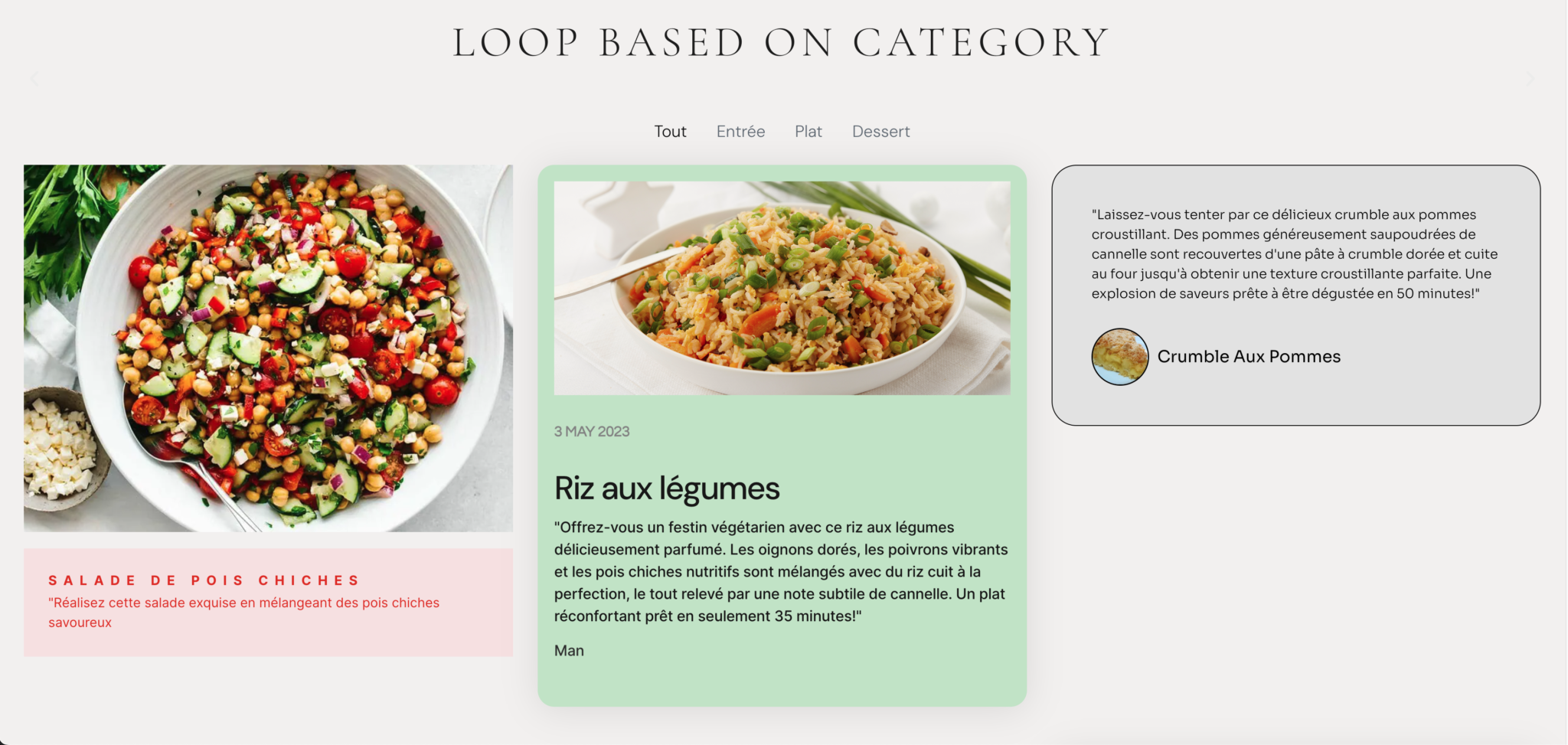
Here is the alternative: a short PHP function that detects the post category and calls the right Elementor shortcode.
The approach in 4 steps
1. Create three Elementor loops
One for each category. In Elementor, create three Saved Sections (or Saved Pages if you prefer) :
- Appetizers Loop - ID: 330
- Mains Loop - ID: 342
- Desserts Loop - ID: 357
Note the ID of each template. You can find them in the Elementor URL or by inspecting the post source code.
2. Add the PHP function
In your functions.php, paste this function:
function custom_loop_by_category() {
    $post_id = get_the_ID();
    $terms = get_the_terms( $post_id, 'recipe_category' );

    if ( ! $terms || is_wp_error( $terms ) ) {
        return '';
    }

    $category = $terms[0]->term_id;
    $loop_map = array(
        5 => 330,   // categorie_entree -> boucle 330
        6 => 342,   // categorie_plat -> boucle 342
        7 => 357,   // categorie_dessert -> boucle 357
    );

    if ( isset( $loop_map[ $category ] ) ) {
        return do_shortcode( '[elementor-template id="' . $loop_map[ $category ] . '"]' );
    }

    return '';
}
add_shortcode( 'customloop', 'custom_loop_by_category' );
Adapt the values:
- recipe_category: replace with your custom taxonomy
- 5, 6, 7: category IDs (not loop IDs)
- 330, 342, 357: Elementor template IDs
3. Create a fourth container loop
This loop serves as a wrapper. It displays all posts but without margins or padding (leave that to the three internal templates). It only contains the shortcode [customloop].
4. Integrate the shortcode
Skip the standard Grid Loop. Simply use a Shortcode widget that calls:
[customloop]On each post loop iteration, the function detects the category and displays the correct template.
Why this works
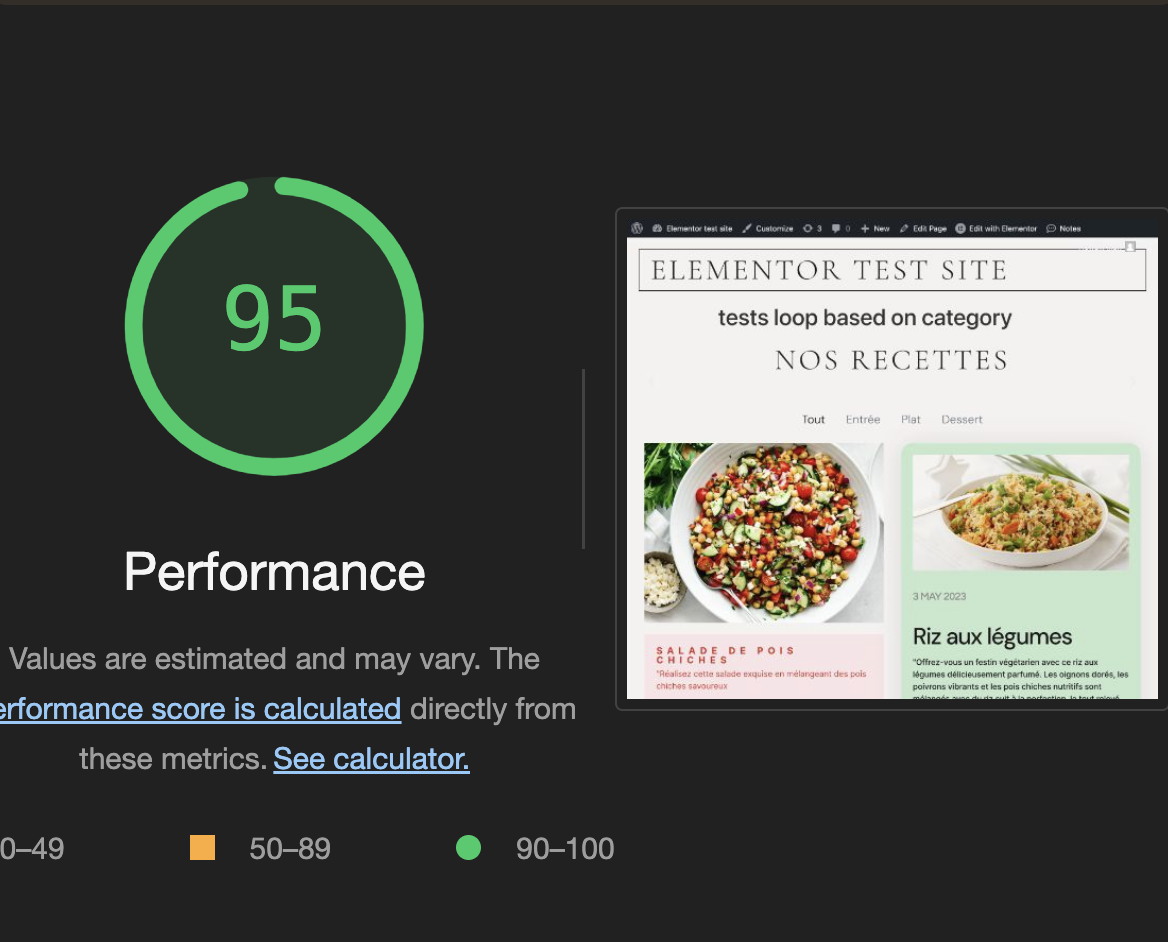
Performance. Zero additional SQL queries - we just use get_the_terms() which is already loaded. No JavaScript, no heavy CSS.
Flexibility. You can map as many categories as you want. Adding a new category is one line in the array.
Maintenance. The code lives in functions.php, not in Elementor. No risk of accidental drag-drop mishaps.
Pitfalls to avoid
- Taxonomy names - Verify the correct name in WordPress admin (Taxonomies panel). No guessing.
- Template IDs - Copy from the Elementor URL, don't type by hand.
- Confusing term_id and post_id - Array keys are term_ids, not post_ids.
Quick testing
Add an echo to the function for debugging:
echo 'Category ID: ' . $category . ' - Loop ID: ' . $loop_map[ $category ];Then open browser inspection (F12) to see which IDs are detected and displayed.
What I take from this
- No constraints = creativity. Elementor forbids this use case, so the solution lies in plain PHP.
- Elementor templates are posts. A template ID can be called from any shortcode, not just Grid Loop.
- Array mapping is robust. Adding or removing a category becomes config, not refactoring.